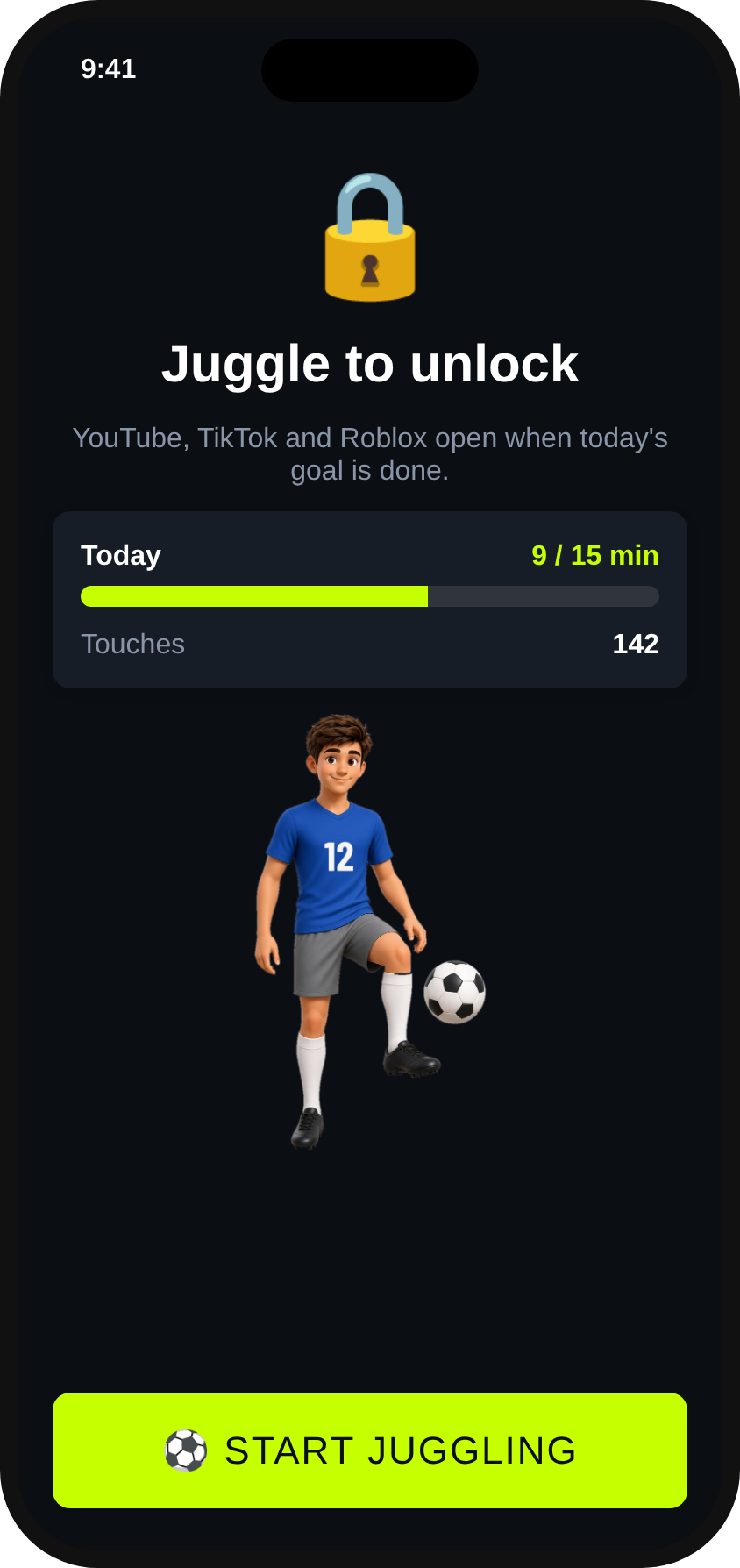
Juggle first, scroll later. The iPhone camera counts every touch, and hitting your daily goal unlocks screen time.
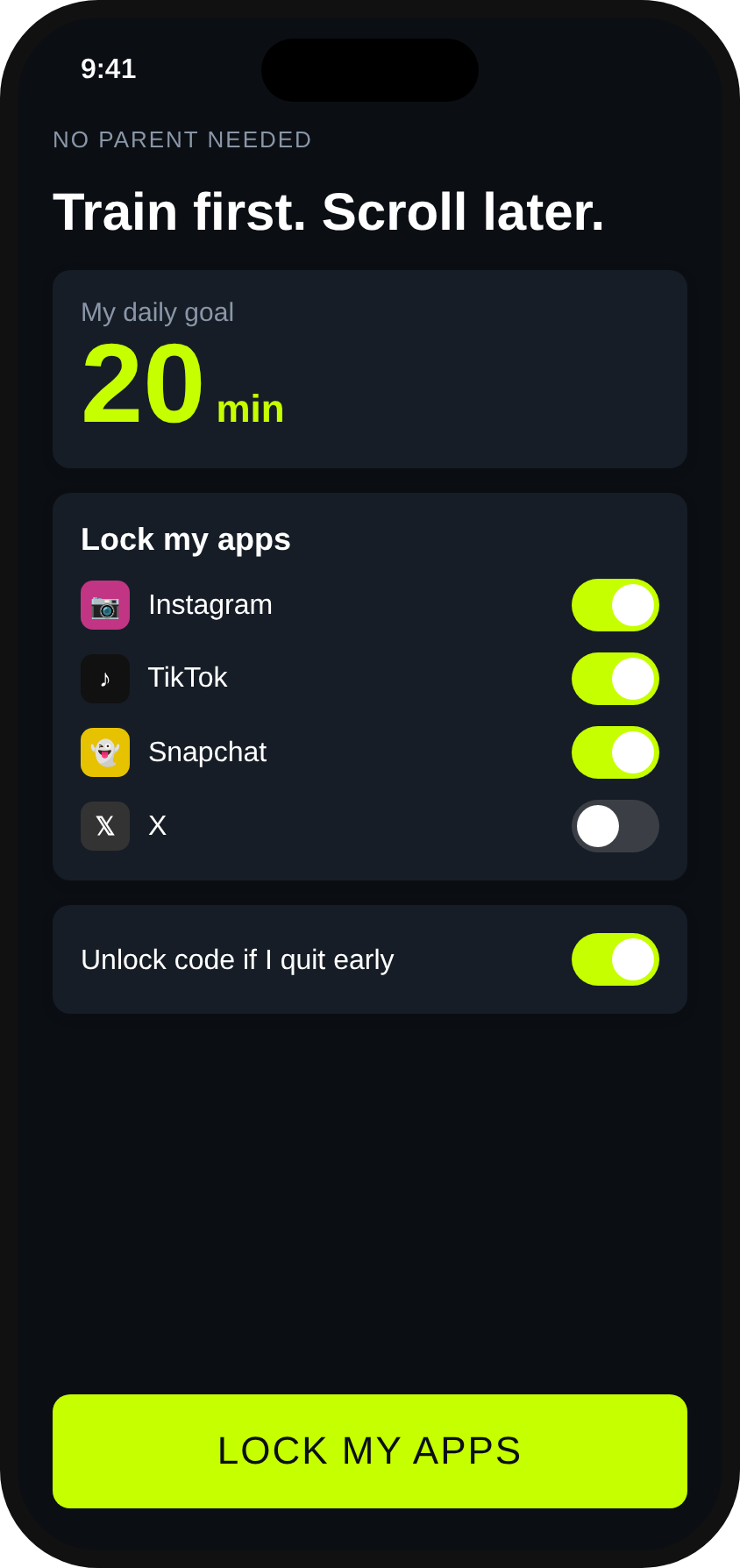
Parents can set it up for their kids. High school players, college players and pros can lock their own apps, with no parent needed.
Download on theApp StoreComing soon

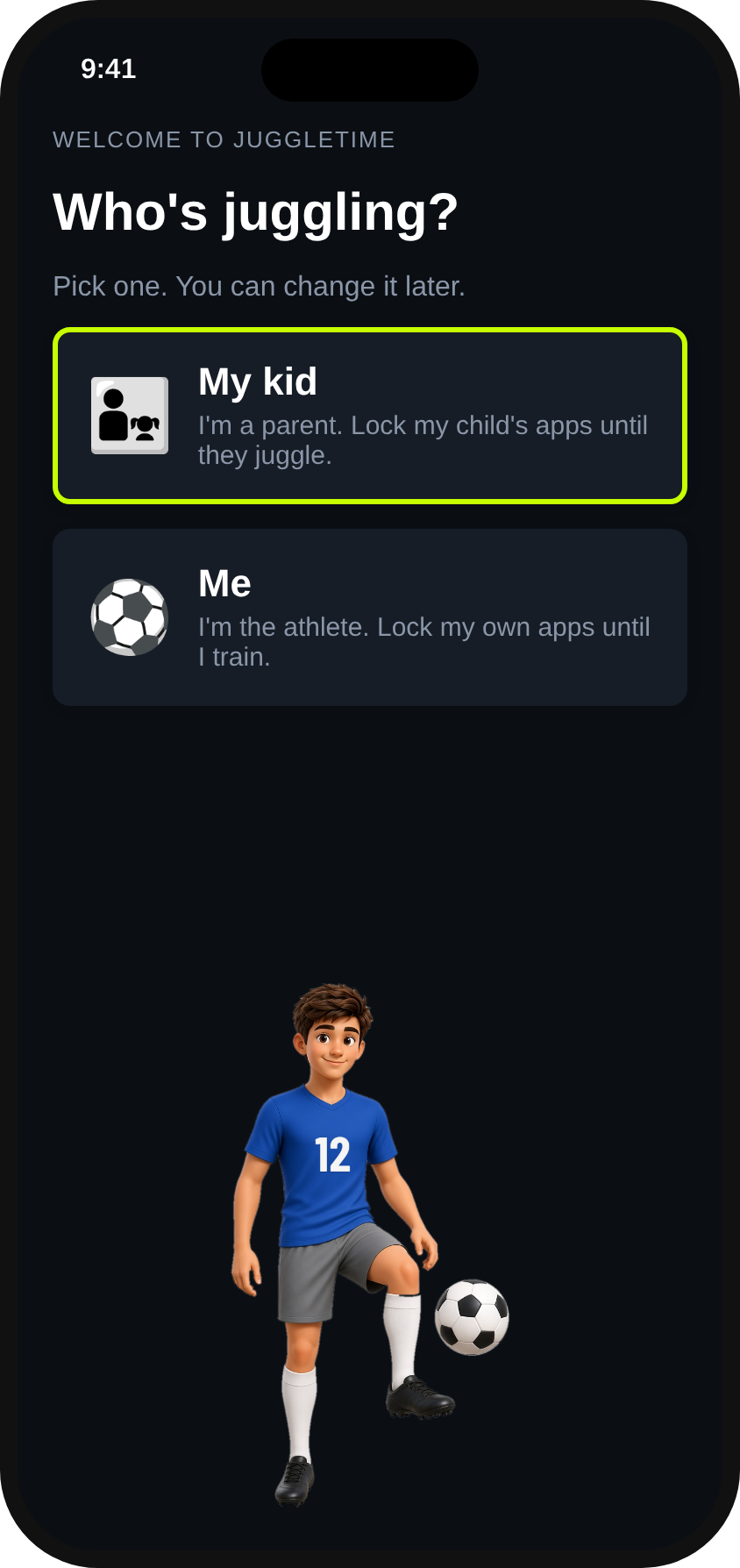
Ask "Who's juggling?" at setup and pick My kid or Me. Same counter, same goals, set up for who's using it.


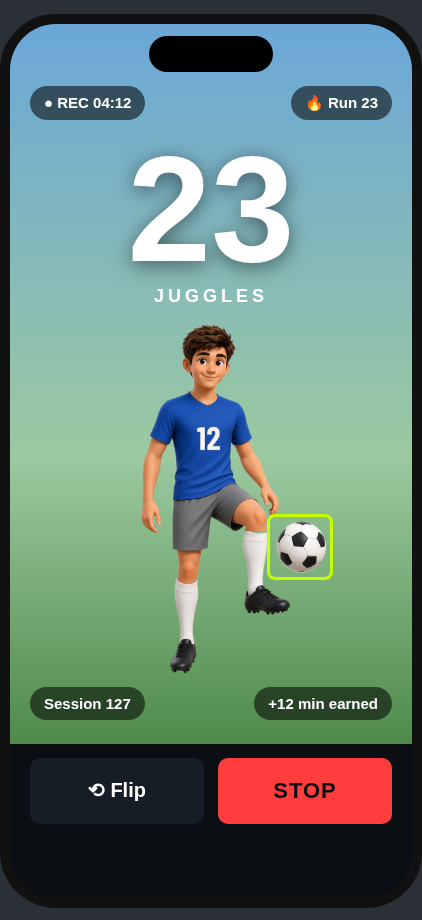
Prop the phone up at waist height and start a session.
JuggleTime tracks the ball and counts each touch, live and on screen.
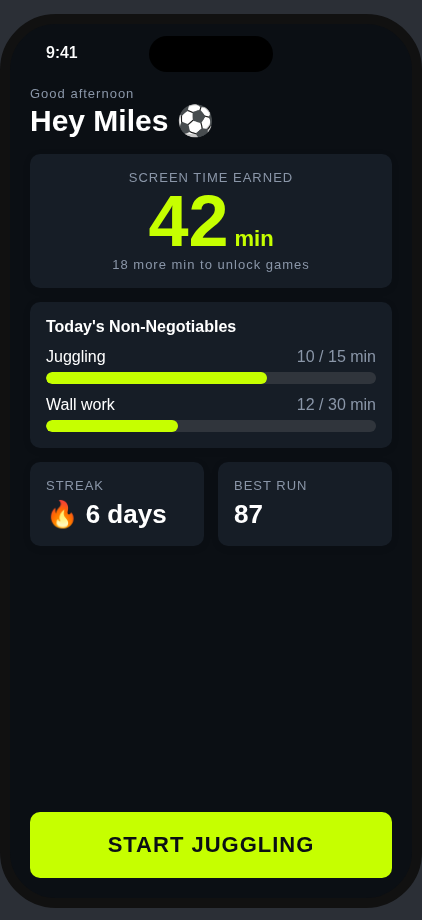
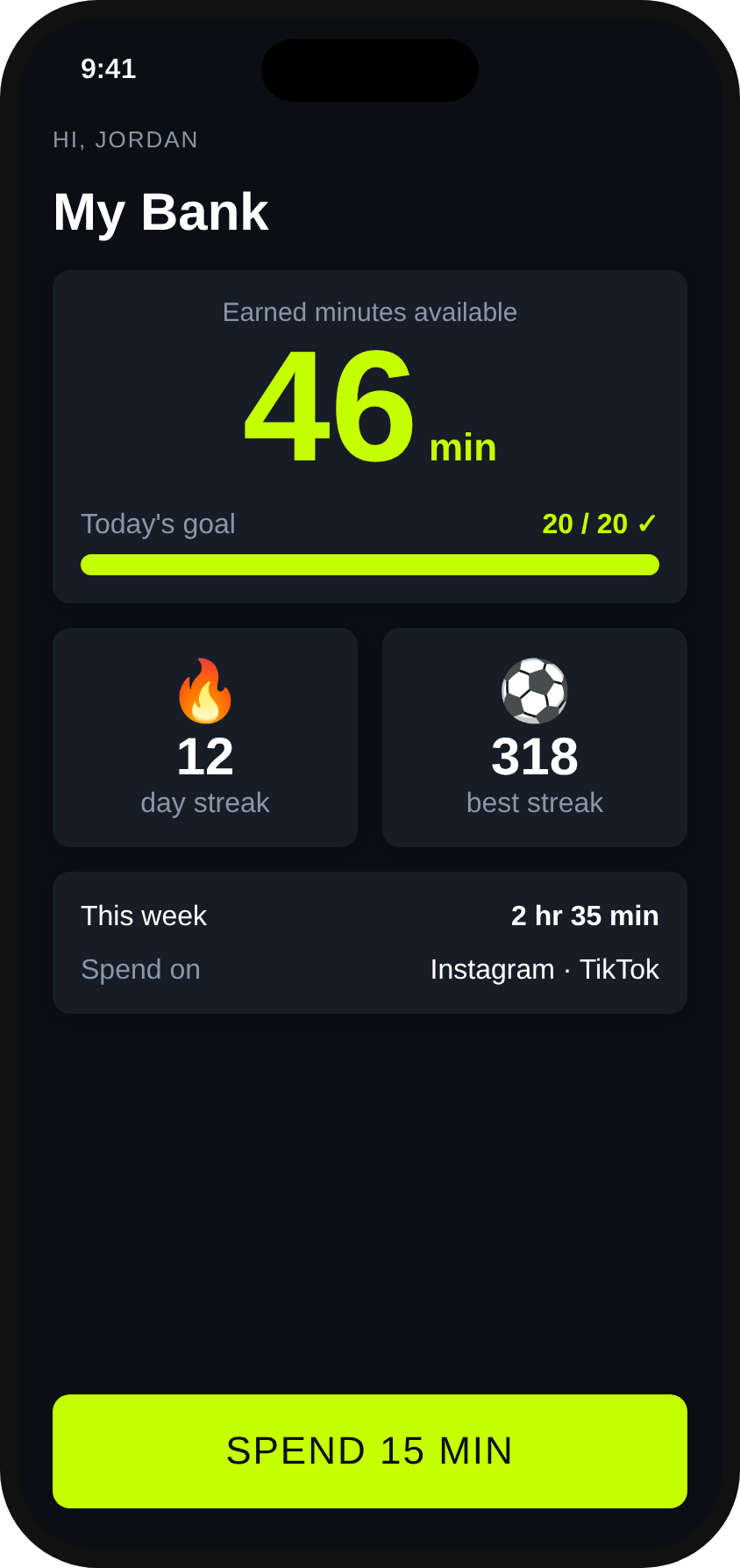
Touches or minutes practiced turn into screen-time minutes.
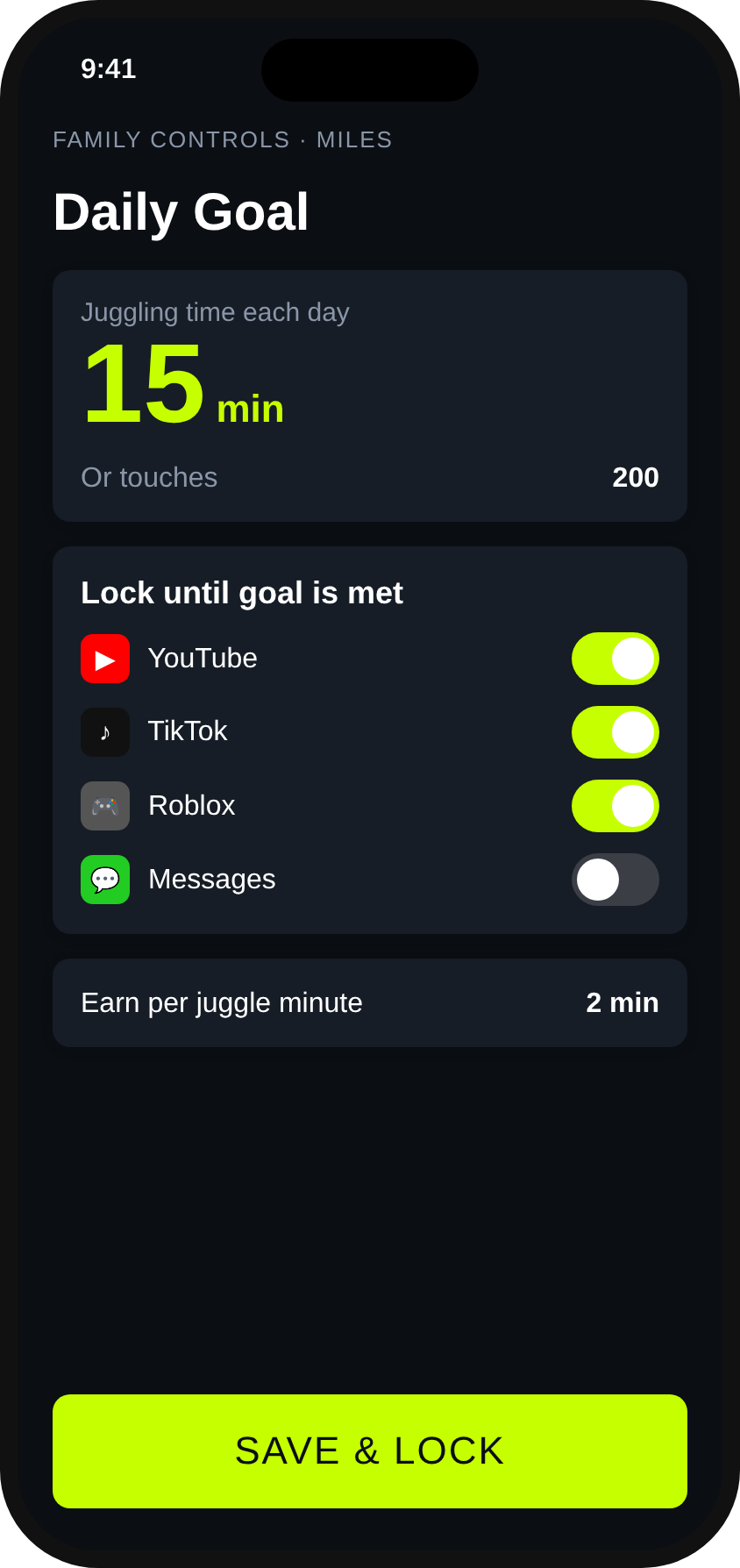
Once the daily goals are done, the apps you picked open back up.
A huge on-screen count, timer, and current run.
Daily streaks and personal bests keep players coming back.
Flip the camera to fit your setup.
Earn per juggle or per minute, with a daily max.
Bold dark look by default, with light mode or match iPhone.
Parents control kids' goals. Athletes can add an unlock code for self-control.
Start with a 14-day free trial with every feature included.
Keep the juggle counter forever, with no subscription.
All features: daily goals, app locking, screen-time bank.
All features, billed once a year. About $3.33/mo, save 33%. One plan covers the whole family.
An iPhone, a soccer ball, and a spot to stand the phone up, ideally around waist height.
No. The ball counting runs on the phone itself. See our privacy policy.
JuggleTime uses Apple's Family Controls (Screen Time) so a parent can lock a child's apps, or an athlete can lock their own, until the daily goals are done.
No. Pick "Me" at setup and you set your own goal and locked apps. Great for high school, college and pro athletes.
You can subscribe monthly or yearly for all features, or keep using the juggle counter for free.
JuggleTime is coming soon to the App Store.